CleanMyMac Review: How I Finally Reclaimed My Laptop

If you’ve ever had a piece of software stuck on your laptop that simply refuses to be deleted, you already know the particular flavour of frustration I’m talking about. This is the story of how I finally got rid of one — and why CleanMyMac has stayed on my laptop ever since.
The Real Problem: A Program I Couldn’t Delete
Back in early 2025, I had a Python program sitting on my laptop that I needed gone. It had been installed and locked down during a period when my laptop was being used regularly by someone else in my life at the time, and by the time I went to remove it, macOS wouldn’t let me. Every attempt gave me the same message: the program needed to be unlocked before it could be deleted. I tried multiple methods on my own and got nowhere.
At that point, it wasn’t just an inconvenience — it was a program I did not want on my system, and I couldn’t get it off.
Putting the Free Trial to the Test
I signed up for the CleanMyMac free trial specifically to see if it could do what I couldn’t. I wasn’t confident it would work, but I figured it was worth the attempt.
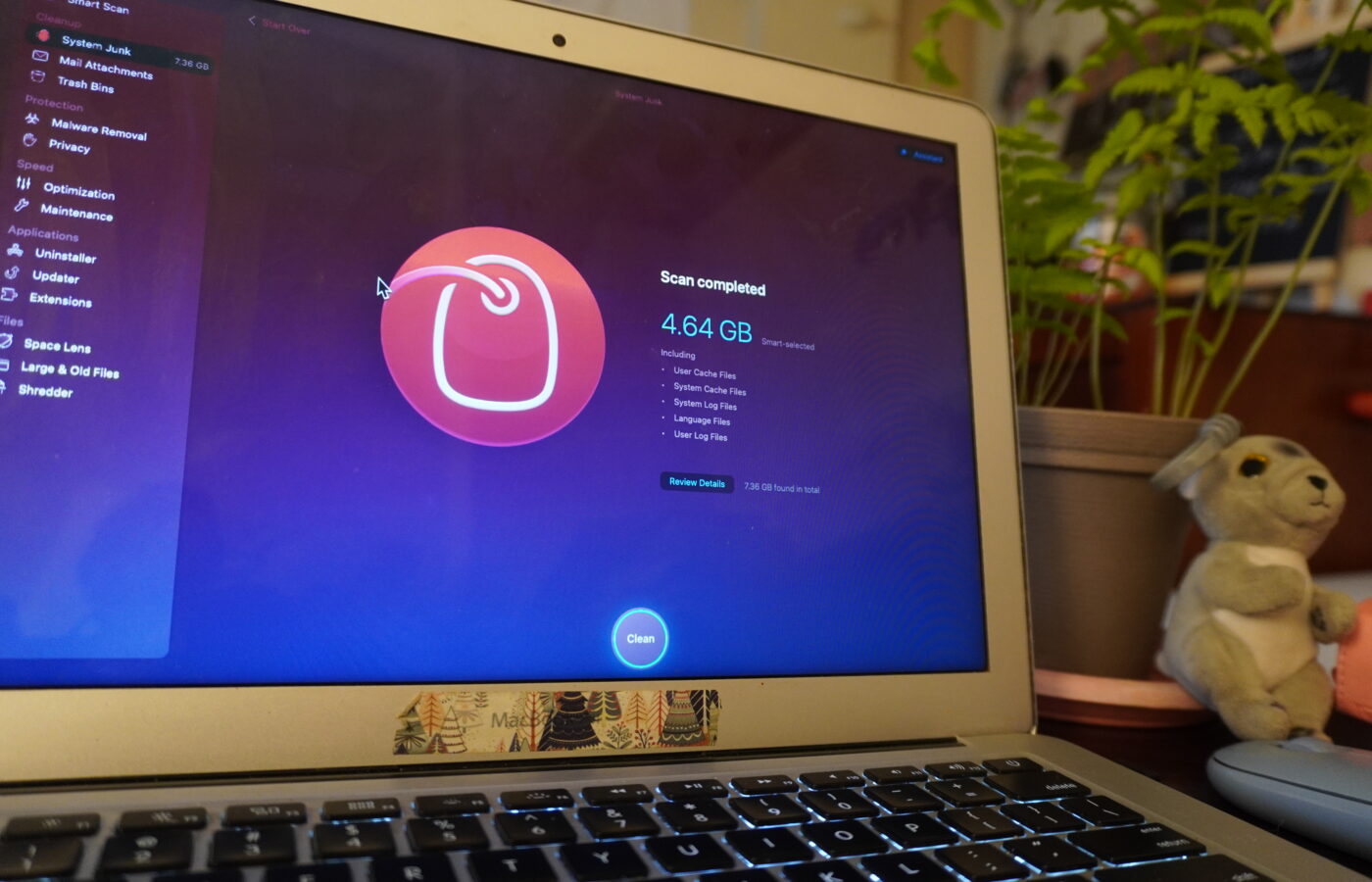
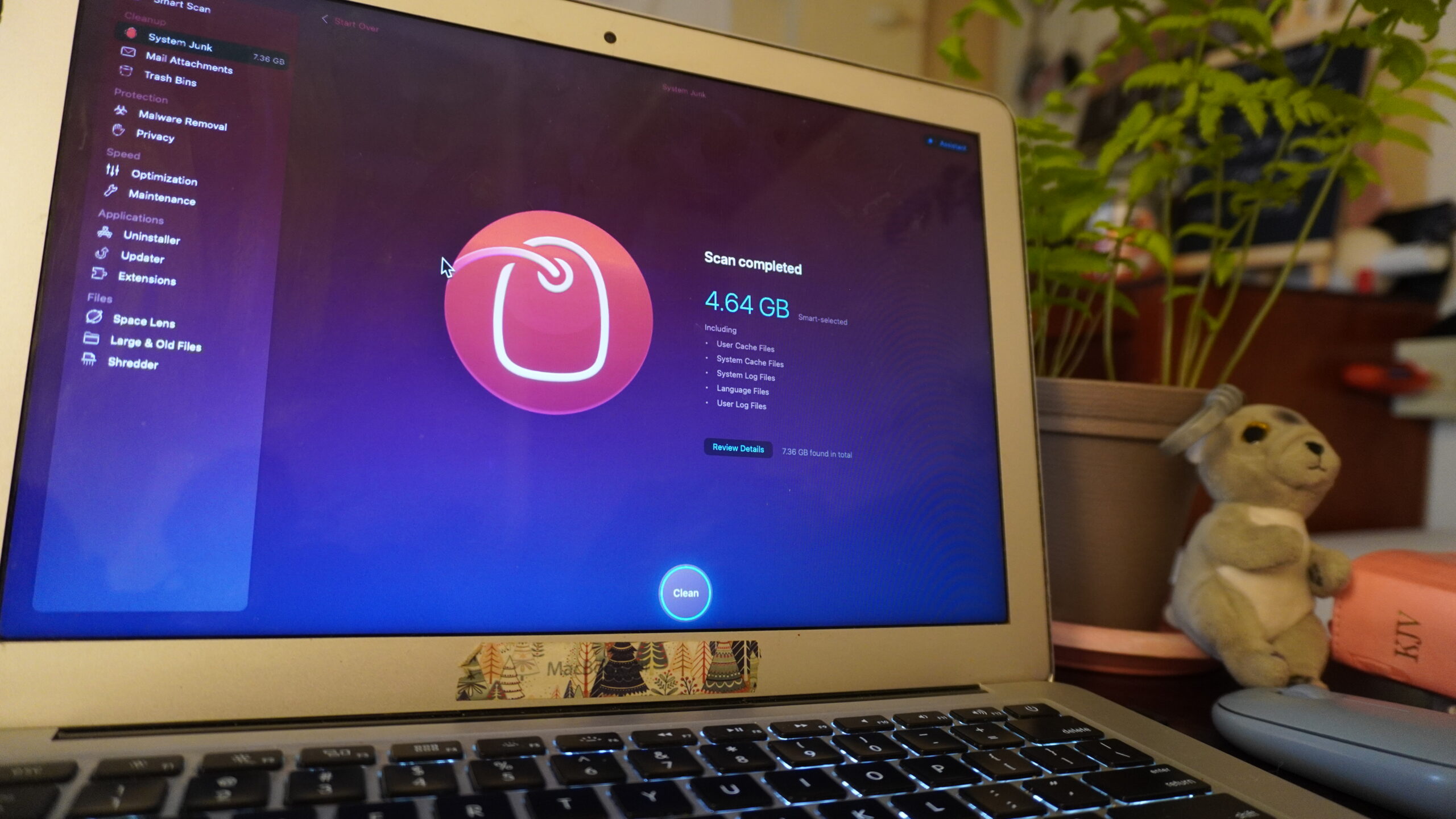
I opened CleanMyMac, located the program, selected it for targeted deletion, and executed the removal.
It worked. The program was gone!
That single result — solving a problem I’d been stuck on for weeks — is the reason I converted from trial user to paying subscriber within days.
Where It Fits Into My Life
My laptop is where everything lives: Luxe Health documents, homeschool planning, my French study materials, and this blog. Because CleanMyMac runs directly on the Mac OS system hosting all of that, I’m able to keep the machine running clean without adding another layer of complexity to an already full schedule. It’s not a tool I have to think about or manage — it just runs on the system I’m already working in every day.
What Worked Well
The interface is genuinely simple. I never needed a tutorial or had to hunt for a feature — target what you want addressed, and it handles it. For anyone who doesn’t want to spend time learning new software just to keep their laptop functional, that simplicity is the whole value proposition.
What Took Adjustment
Honestly, nothing. This is one of the few pieces of software I’ve used for over a year without a single complaint about usability.
Would I Recommend CleanMyMac for the Caribbean? Yes — Here’s How to Buy It
I only recommend software I’ve personally used, and I’ve now had CleanMyMac on my system for over a year (since February 2025).
CleanMyMac offers a few ways to get started, and here’s how I’d approach it if I were you:
- Start with the 7-day free trial. Put it to the test on your own system the way I did before spending anything.
- Not fully sold yet, but impressed? Go with the one-year subscription.
- Fully convinced it’s a keeper? Buy the lifetime bundle. It removes the recurring cost entirely — which, for readers in the Caribbean weighing ongoing subscription costs in USD, is often the better long-term value.
You can start your free trial here.
Affiliate Disclosure: This post contains an affiliate link. If you make a purchase through this link, I may earn a small commission at no extra cost to you. I only recommend products I have personally used and trust — CleanMyMac has been on my own laptop for over a year.